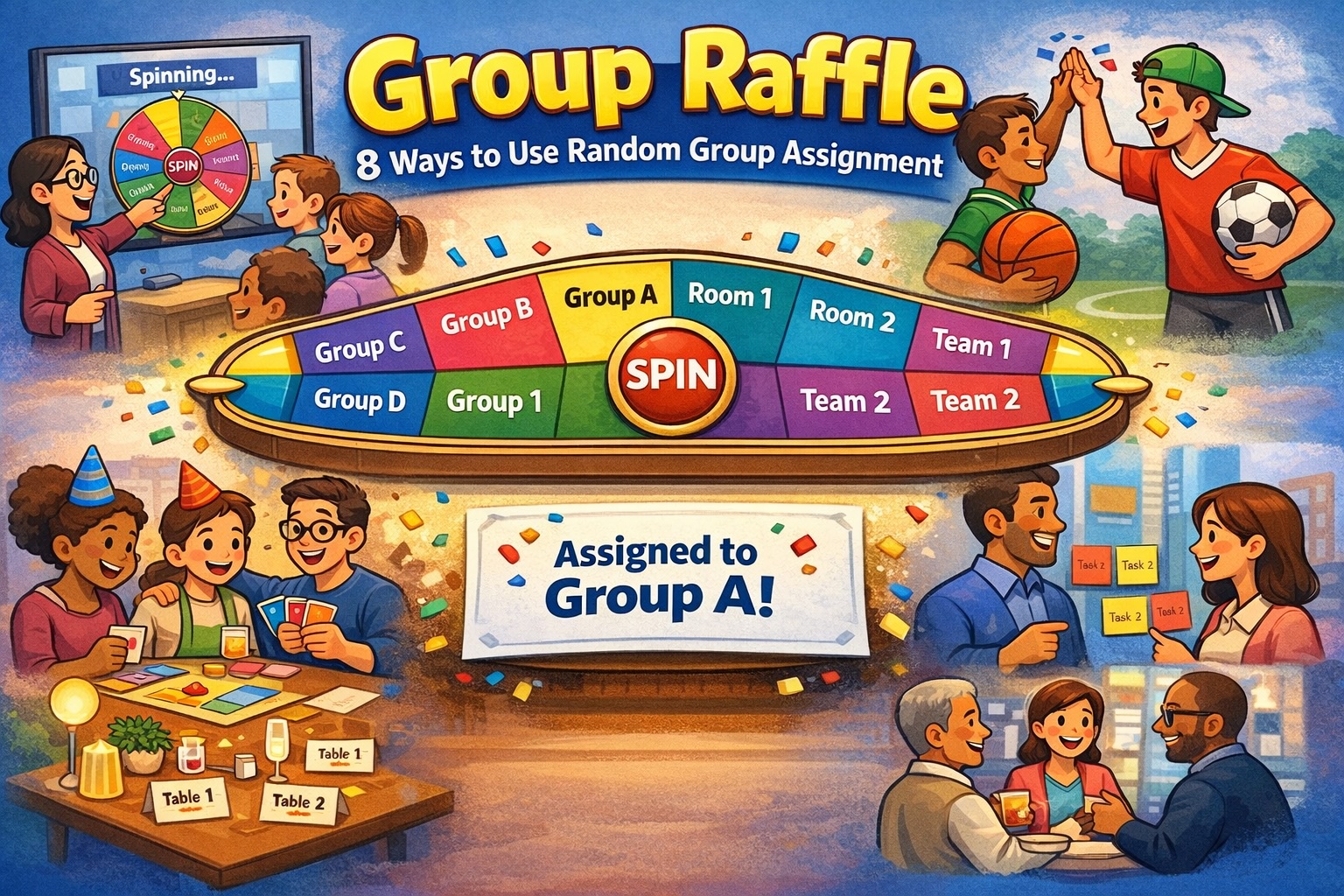
Whether you’re splitting a class, forming teams, or filling breakout rooms, Group Raffle makes it fair and fun. You add names, choose how many groups you want, and SPIN to assign people one by one. Here are some concrete ways to use it.
1. Classroom & workshops
Split a class or workshop into small groups without favoritism. Set “Number of groups” to your desired size (e.g. 4), paste your roster (one name per line), and run the raffle. Everyone sees the reel and the reveal, so the split feels transparent and random—great for group projects, discussions, or activities.
2. Breakout rooms (in-person or hybrid)
You have 12 people and need 3 breakout rooms. Paste the 12 names, set groups to 3, and SPIN. Assign people to “Room A,” “Room B,” and “Room C” in the order they’re drawn. Use fullscreen and optional tick sounds to make the draw a quick, engaging moment before people move to their rooms.
3. Sports & league team selection
Use it for casual leagues, gym class, or pick-up games. Paste player names and set the number of teams (e.g. 2 for two sides, or 4 for four teams). Each SPIN assigns one player to the next team in order. When only two players are left, the tool automatically assigns both to the last two slots—no extra spin, no awkward “last person left.”
4. Game night & trivia teams
For board games, trivia, or party games, random teams keep things even and avoid “we always pick the same people.” Add everyone’s names, choose 2–4 groups (or more), and run the raffle. The reel and reveal make the team draft part of the fun instead of a boring list.
5. Study groups
Form study groups for a course or exam prep. Paste the class list, set the number of groups you want, and SPIN. You get balanced, random groups without anyone feeling left out or like groups were hand-picked.
6. Fair duty or task assignment
When you need to assign roles, cleanup, or presentation order and want it to feel random and fair, treat “groups” as assignment buckets. For example: 4 groups = “Slot 1,” “Slot 2,” “Slot 3,” “Slot 4” for who goes when or who does which task. Everyone sees the same process.
7. Events & table assignments
Use it for seating or table assignment at dinners, receptions, or networking events. Each “group” is a table (Table A, B, C…). Paste the guest list, set the number of tables, and run the raffle. You can run it in fullscreen so the room can watch the draw.
8. Icebreakers & social mixers
At the start of a meetup or team day, use the raffle to mix people who might not normally work together. Random groups encourage new conversations and reduce cliques. The light, game-like feel of the reel and reveal works well as an opener.
Why use a raffle instead of a list?
- Transparent: Everyone sees the same random process.
- Engaging: The reel and “Revealing…” moment turn assignment into a short ritual.
- Simple: No sign-up or accounts—names in, groups out.
- Smart finish: When two people are left, both are assigned to the last two slots automatically, so the last person isn’t “left over.”
If you’re splitting people into teams, rooms, or groups and want it to feel fair and a bit fun, Group Raffle is built for exactly that.


Leave a Reply