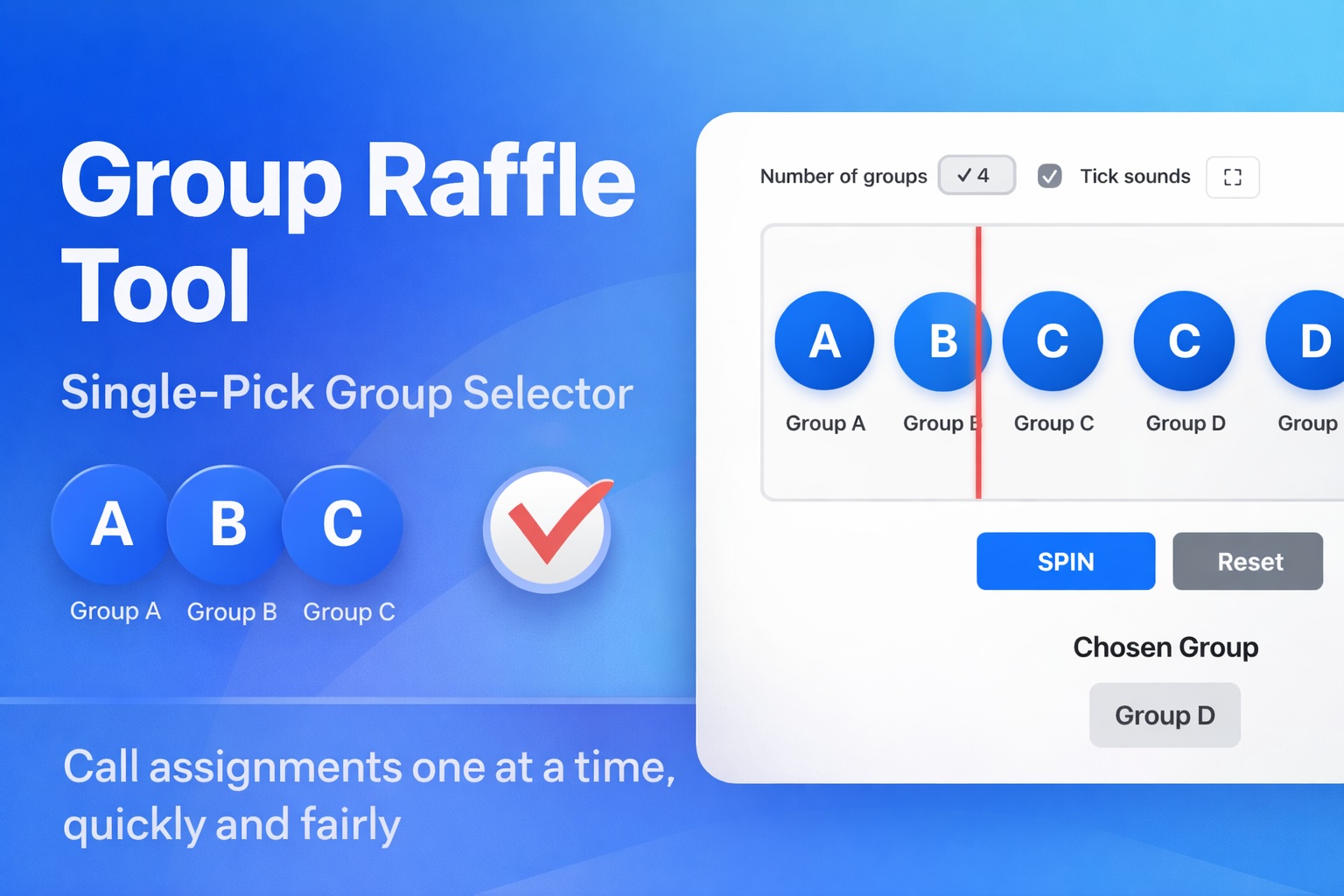
Managing group assignments doesn’t always require a complex tournament system. Sometimes, all you need is a clear, fair, and visible way to decide group order or group placement—one step at a time. That’s exactly what this simple group raffle tool is designed for.
This tool randomly selects one group per spin. It does not automatically distribute teams into groups. Instead, it works best when an administrator or organizer manually calls a team name, spins the raffle, and assigns the selected group to that team.
Chosen:
This approach keeps the process transparent, flexible, and easy to control—especially in live or in-person settings.
What This Tool Is Designed For
- Selecting one group per spin
- Showing how many groups are available (e.g., Group A–D, A–H, etc.)
- Visually and audibly calling out the selected group
- Helping organizers track assignment order manually
- Supporting single-play group selection, not full automation
This makes it ideal for environments where human oversight matters, such as tournaments, classrooms, meetings, or public events.
Best Use Case: Calling Teams One by One
The most natural and effective use of this tool is:
- The administrator calls a team or participant name
- The raffle is spun
- The selected group is announced
- The organizer writes down or records that group assignment
- Move on to the next team
This method is especially useful when:
- Teams arrive at different times
- Late entries are possible
- Manual adjustments may be needed
- Transparency is important
Rather than locking everything into an automatic system, this tool keeps decision-making flexible but fair.
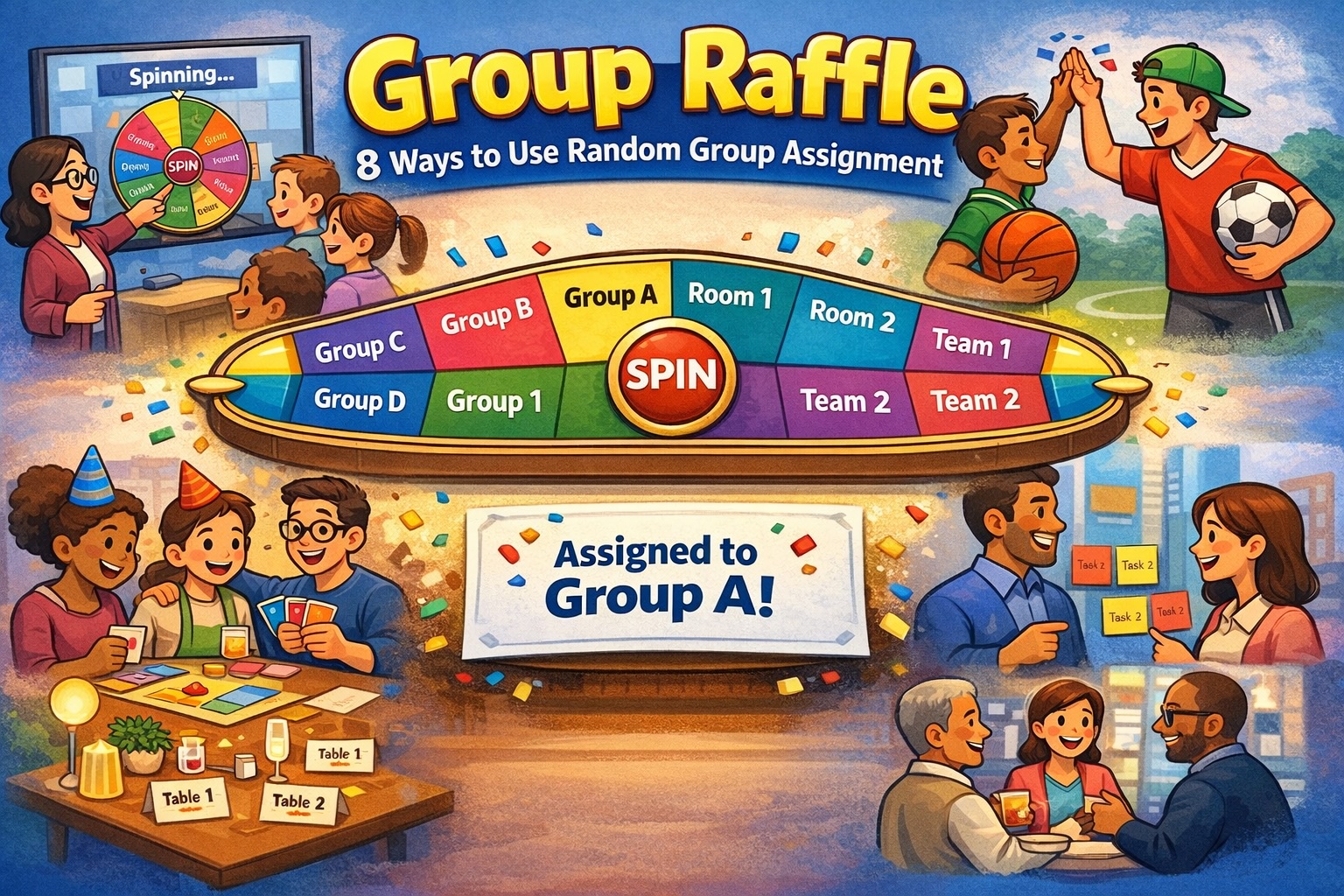
Practical Use Cases
Tournament Group Assignment Order
Perfect for sports tournaments, esports events, or friendly competitions where:
- Teams are assigned groups live
- Viewers or participants can see the selection clearly
- Group assignments need to feel fair and unbiased
It works especially well on a projector or large screen during a live draw.
School & Classroom Activities
Teachers can use the tool to:
- Assign students to discussion groups
- Rotate group participation fairly
- Call out group placement in front of the class
The single-pick format helps maintain attention and avoids confusion.
Event Registration & Workshops
For workshops, bootcamps, or training sessions:
- Call participant names
- Spin to assign them to breakout groups
- Adjust group sizes manually if needed
This avoids over-automation while keeping the process random.
Administrative Scheduling
Office managers or coordinators can use the tool to:
- Assign departments to time slots
- Decide group order for presentations
- Rotate teams for weekly activities
It’s simple, fast, and doesn’t require setup beyond choosing the number of groups.
Content Creation & Live Streams
Streamers, YouTubers, or hosts can use the tool to:
- Assign viewers to teams or groups live
- Increase audience engagement
- Make random decisions visible and entertaining
The ticking sound and animation help build anticipation.
Why Use a Single-Play Group Raffle?
Unlike automated group generators, this tool:
- Keeps human control in the loop
- Avoids mistakes caused by incorrect team lists
- Works even when participants are added late
- Makes the process easy to explain to an audience
Sometimes, simple tools are more reliable than complex systems.
When This Tool Is the Right Choice
This raffle tool is ideal if you:
- Want to announce group assignments live
- Prefer manual note-taking over automation
- Need flexibility during the assignment process
- Want a clean and distraction-free interface
If you’re looking for a clear, fair, and visual way to call out group assignments one at a time, this tool does exactly that—nothing more, nothing less.


Leave a Reply